
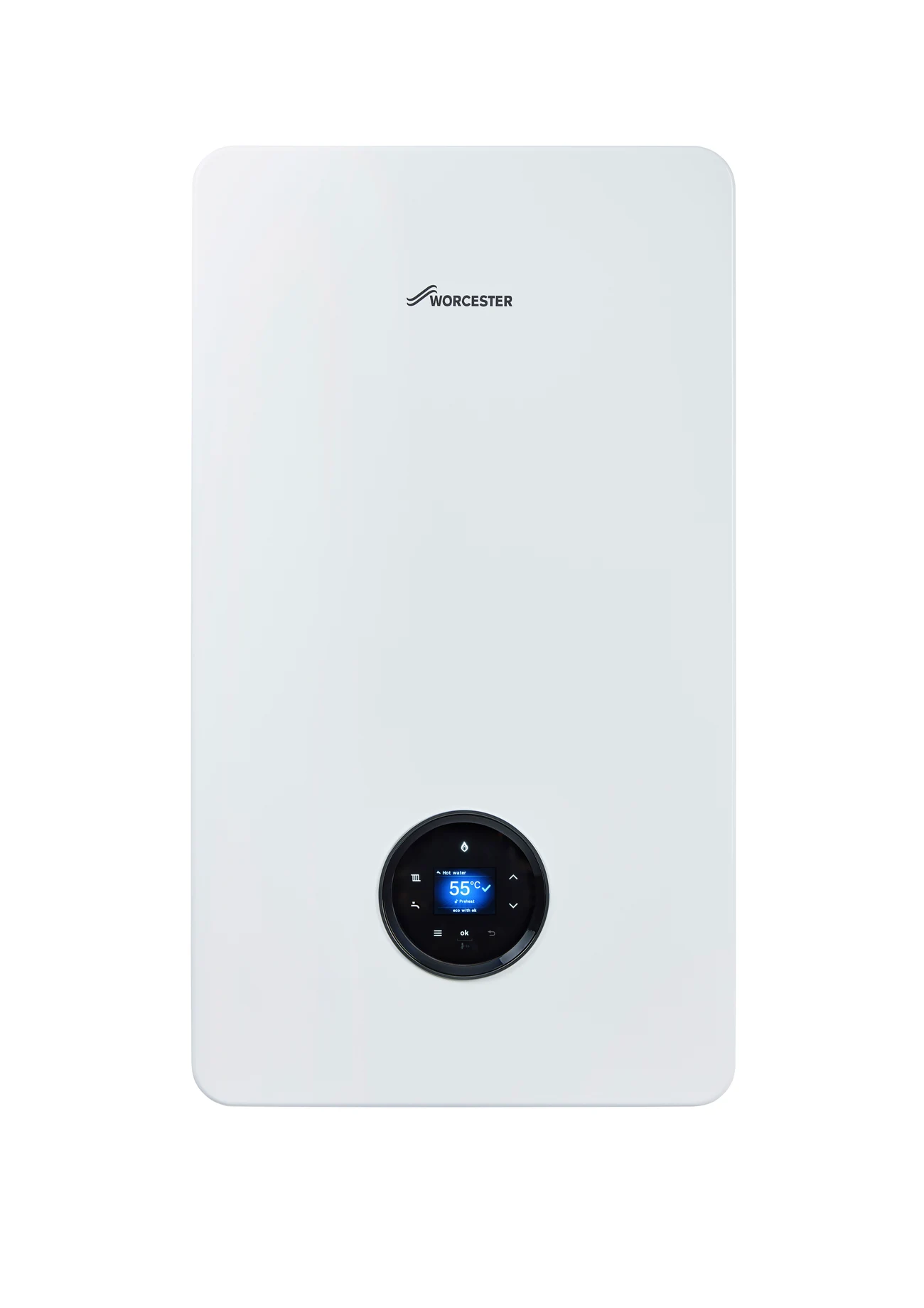
Make sure it’s your model.
Match the exact 8000+ Regular designation on your paperwork. Do not use a Life, combi or system manual because the casing looks similar.
Official documents & links.
Worcester Bosch user manuals
Choose user or operating instructions. Match the full appliance identification, boiler type, output and generation. Boiler and thermostat guides can be separate.
Opens the manufacturer’s website in a new tabGreenstar 8000+ Regular user instructions
Regular / heat-only guide 6721890764. This is distinct from 8000+ combi, system and older Life instructions.
Opens the manufacturer’s website in a new tabHow to use your boiler.
A regular / heat-only boiler works with the installation’s existing cylinder and controls. The room thermostat and programmer control the demand. Open-vent and sealed arrangements differ: do not copy a combi filling procedure or hot-water setting.
- Identify the controls. Match the boiler model and the fitted room thermostat to their user guides.
- Check the normal display. Use the operating guide to recognise heating, hot-water, standby and status symbols. Keep installer and service menus for your engineer.
- Set your heating routine. Check the room control’s clock, heating programme and desired room temperature. Change one normal setting at a time.
- Use the right hot-water controls. Use the fitted programmer and cylinder controls. Keep stored-water settings as commissioned and ask your installer about changes.
- Keep the instructions handy. Ask for a demonstration if a setting, pressure display or mode is unfamiliar. Follow the manufacturer’s frost-protection guidance before switching off power.
- Greenstar display layouts differ between the 1000, 2000, 4000, 8000 Life, 8000+ and older ranges. Use the matching user instructions.
- Set room temperature and heating times on the fitted room control. Combi hot water and cylinder-controlled hot water use different arrangements.
- Some displays show operating or maintenance messages as well as faults. Record every letter, number and accompanying description.
Your manufacturer cover.
8-year standard manufacturer cover. Ten with qualifying Greenstar filter; twelve via eligible loyalty installer/filter/£40 2026 upgrade where applicable. Annual servicing and manufacturer terms apply.
Worcester Bosch cover, registration & servicingIf something isn’t working.
Note the exact display message, whether heating or hot water is affected and when it happens. Follow only the user actions in your matching manual. If the issue persists or the instructions are unclear, contact a qualified engineer. Do not remove the casing or attempt gas or internal electrical work.
These are selected manufacturer-verified examples. Match the model and generation shown in each row; the official instructions contain the full table. A normal status message is labelled separately.
2 matching code or status examples
| Display | What it means | Your next step |
|---|---|---|
| 2980Fault / maintenance message | A fault has stopped heating and hot-water operation and requires immediate professional attention. Greenstar 8000+ Regular; user instructions 6721890764Official 8000+ user instructions ↗ | Contact a qualified heating engineer immediately. The manufacturer says not to attempt to remedy this fault yourself. |
| 227Fault / maintenance message | No flame signal was detected after ignition. Greenstar 8000+ Regular GR8701iW30R–50R; manufacturer manual 6721891104Manufacturer fault definitions; engineer instructions ↗ | Record the full display message and contact the manufacturer or a Gas Safe engineer if it persists. Internal diagnosis and repair need an engineer. |
Open Worcester Bosch’s official fault reference ↗ · Find the matching user manual
Official sources checked 29 November 2026. Examples are model-specific; the matching manufacturer instructions contain the complete code table.